The idea to take with you
Make your information accurate, your offer specific, and the next step easy to find.
Imagine someone looking for a gift on their lunch break. They need to know whether your shop has something suitable, whether it is open, and how to get there. Your local search presence should answer those questions before they have to call. Start with accuracy and usefulness, then build a routine that keeps the information current.
1. Make your Business Profile dependable
Google describes local ranking in terms of relevance, distance, and prominence. Complete information helps it understand your business, but you cannot pay Google for a better organic local ranking or promise a particular position. Treat the profile as a maintained storefront, rather than a one-time setup.
Check the real business name, address, map pin, phone number, appropriate category, and opening hours. Add special hours before holidays. Upload current exterior and interior photographs that help a first-time visitor recognize the entrance. Review changes whenever the store’s operations change.
2. Build a page for the actual visit
Your store page should make a visit feel straightforward. Put the address, opening hours, directions, contact details, and main product categories in readable text. Describe access and parking accurately. If you have several locations, give each one a page containing its own useful details and photographs.
Write the way customers ask. A homeware shop might explain which gifts can be wrapped while a customer waits. A grocery store might describe its local produce selection and pickup process. Avoid lists of neighborhood names with no connection to the store. A helpful page answers real questions rather than repeating search phrases.
3. Remove uncertainty across the journey
Open your website, map listing, social profile, and any directory that regularly sends you customers. Compare the phone number and trading hours. Keep a simple record of where each listing lives and who can update it. When the store moves or changes hours, use that record to make the corrections together.
Ask a colleague to find the store from an unfamiliar starting point. Does the directions link lead to the customer entrance? Is the website button useful on a small screen? Does the phone number connect to someone who can help? Fix the real-world friction you discover before expanding to more directories.
4. Measure interest, then look for visits
Keep a monthly note of the discovery and interaction measures your listing makes available. Treat directions requests, website clicks, and calls as signs of interest; they are not confirmed purchases. Add a light-touch question at checkout about how new shoppers found you, and record answers consistently.
Choose one helpful update each week: a photograph of a seasonal range, a corrected detail, or an answer to a recurring customer question on your site. Review results over comparable periods and write down changes in weather, opening hours, and nearby events. Local demand can move for reasons unrelated to your updates.
Put it into perspective
Make the shop recognizable before arrival
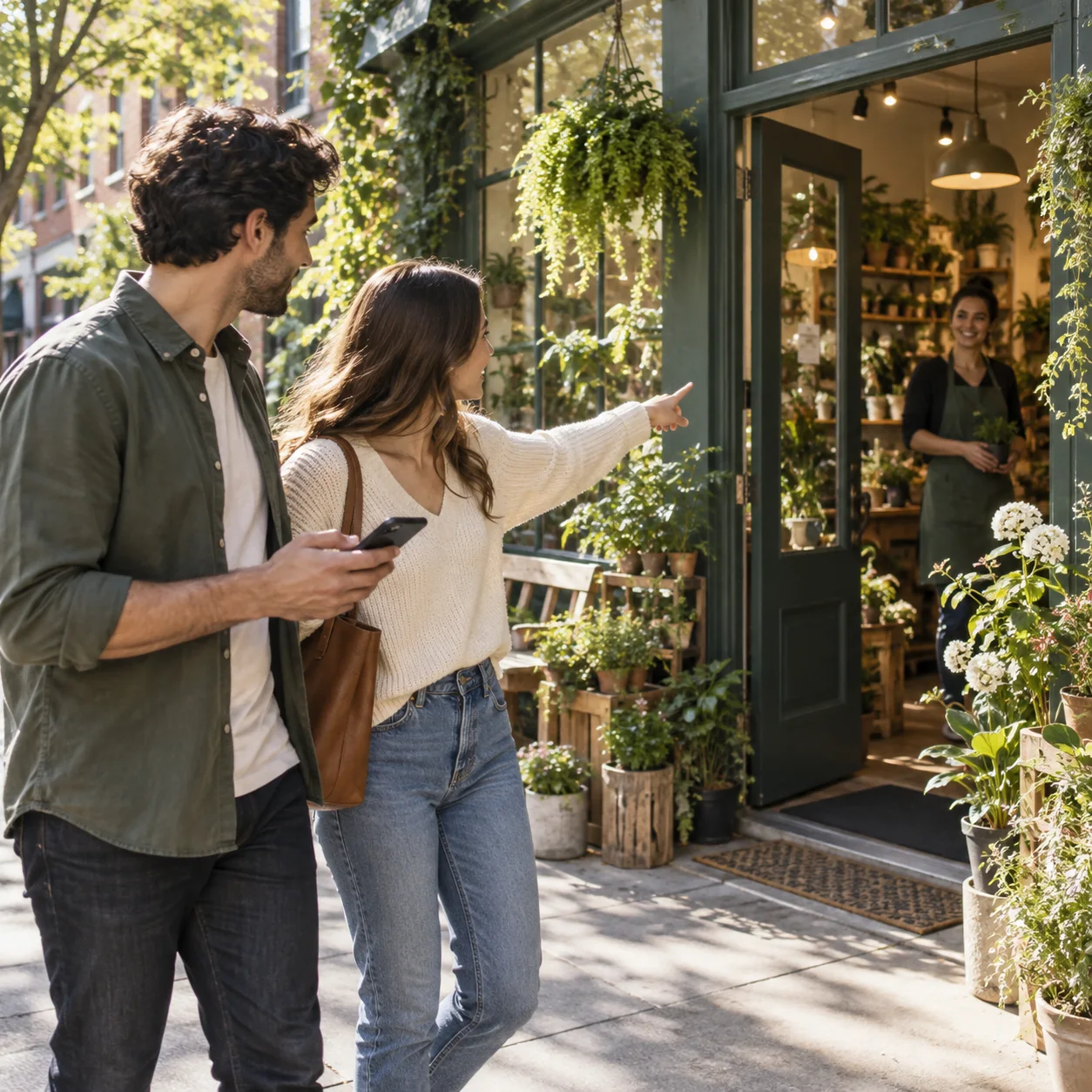
Illustrative example: a plant shop is reached through a courtyard. The owner adds an exterior photo showing the passageway, describes the entrance on the store page, and tests the directions link. The first success measure is fewer confused arrival calls. Any increase in sales is reviewed separately.
Make a little progress this week
Your action checklist.
- Confirm the address, category, phone, and holiday hours.
- Photograph the entrance a customer will actually use.
- Add practical visit information to the store page.
- Check directions and calling on a phone.
- Record discovery signals separately from confirmed sales.
Original guidance by Managent for Retail. Platform sources checked on September 14, 2026. Examples are illustrative; results depend on your store, customers, and execution.